What Counts as an AI Tool for Instagram Growth?
An AI tool for Instagram growth is any app that turns a slow production task into a quick one. Writing a caption or cutting a video becomes a usable first version in seconds. Growth on Instagram needs two things at once. The first is a steady stream of posts people want to save and share. The second is a profile that turns a first visit into a tap on Follow. AI handles most of the first part. For the second part, Views4You offers Instagram followers for a new profile, with two follower options on one page. New posts then reach an account with an audience behind it. We come back to this after the six picks.
Every tool here solves one Instagram task well and slots into a weekly posting routine without extra training.
1. ChatGPT or Claude: Caption Drafts and Content Calendars
A general chat assistant is the quickest way to turn one idea into a month of post angles. Describe your niche and the people you post for, add three posts that performed well, then ask for twenty hooks in the same voice. Keep the ones that sound like you and rewrite the rest. The same chat can shorten a long caption, suggest a question to close the post, or sort ideas into a Monday to Friday calendar.
Context makes the difference. A prompt that says "write an Instagram caption" gets a bland answer. Name your tone, your audience and the goal of the post, and the draft needs only a light edit.
2. Canva Magic Write: Carousels and Bios in One Place
Canva suits creators who build carousels, quote cards and Story graphics. Its Magic Write feature, which Canva says runs on OpenAI technology, drafts short text such as social captions and profile bios. It works inside the design itself, so the words and the layout get finished in the same tab. Carousels benefit most from this setup, since every slide needs a short line of copy and a matching look.
3. CapCut: Reels With Captions Added Automatically
CapCut adds on‑screen captions to Reels automatically, so a video makes sense to anyone scrolling on mute. Its auto caption generator turns speech into on‑screen text and can translate it into other languages. That saves the time a creator would otherwise spend typing subtitles by hand. Once the captions appear, scan them for names and slang, because speech recognition tends to stumble on both.
4. Adobe Firefly: Visuals When You Have No Photo
Adobe Firefly creates visuals for posts that have no photo yet, such as a product concept, a quote background or a B‑roll shot for a Reel. It generates images, video clips and sound effects from a text prompt. Adobe states that its own Firefly models are trained on licensed Adobe Stock content and public domain material. Brand accounts posting commercial work tend to care about that detail. Firefly can also expand an image to a new shape, so a horizontal photo becomes a vertical Story frame without an awkward crop.
5. Descript: Editing Video by Editing the Transcript
Descript treats a video like a document. You edit the words in the transcript and the footage is cut to match, while filler words and retakes disappear in a click. For creators who talk to the camera, a long editing session becomes a quick read‑through. The clean cut is then ready for Reels or Stories.
6. OpusClip: Turning One Long Video Into Several Reels
OpusClip turns one long recording into several short Reels. A podcast episode or a livestream holds more short moments than most creators ever cut out. The app takes a link or a raw upload and picks out clips. It reframes them for vertical screens and can publish them to several social platforms in one step. A single recording can then feed a week of Reels. A steady posting rhythm is far easier to hold when each post does not start from zero.
How Do AI Content and a Strong Profile Work Together?
AI speeds up the making of posts, yet a visitor still decides within a few seconds whether a profile is worth following. Those seconds are spent scanning the bio, the post grid and the follower count. A new account with sharp Reels and a small number under its name can pass for a side project. The work behind it may be serious, yet the first glance says otherwise. For that reason, many creators pair a faster content routine with a service that builds the audience number while the posts find their footing.
Views4You, mentioned at the start, asks only for a public profile, an Instagram handle and an email for the confirmation. The posts that follow still show which hooks and formats your audience responds to, so these tools keep their role as your testing lab.
A Weekly Routine That Uses All Six
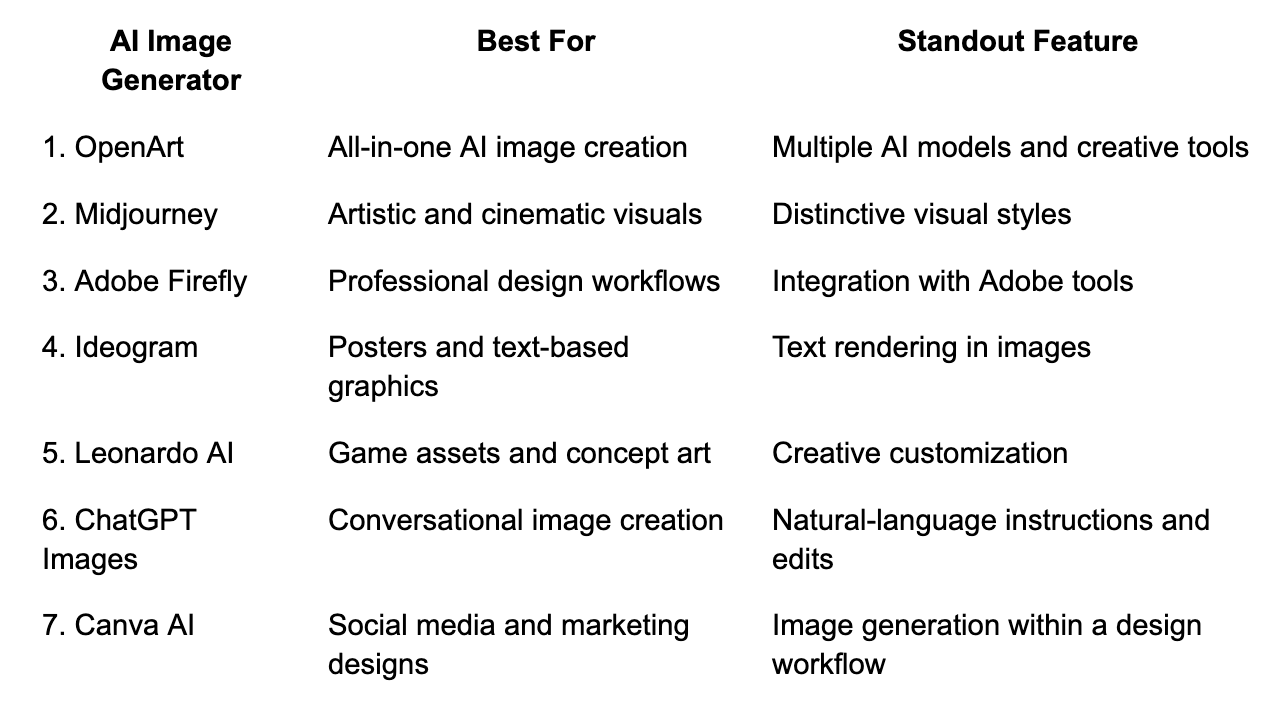
The table below spreads the tools across one week, so no single day carries the whole workload.
Frequently Asked Questions
Can AI write Instagram captions that sound like me?
Yes, once you feed it examples. Paste three of your best captions into the prompt and ask the assistant to match their tone, sentence length and emoji use. Edit the draft before posting.
Which AI tool should a beginner start with?
CapCut is the easiest first step. Auto captions improve almost every Reel, and the feature needs no design or writing skill.
Do AI tools replace a content strategy?
No. They shorten production time, but you still choose the niche, the audience and the message. The tools work best when the plan comes first and the drafts come second.
Which signs show that AI‑made posts are working?
Saves, shares and visits to your profile, all listed in Instagram Insights on a professional account, point to the formats that pull people in. A guide to Instagram Insights for content strategy from HEC Montréal walks through its three main reports: accounts reached, accounts engaged and total followers. Keep the posts that score well and ask your assistant for more in the same style.
Wrapping Up
AI tools hand creators back the hours that used to go into typing captions, resizing images and cutting clips. Pick one tool for the task that slows you down most, and add the next once the first becomes a habit. Keep the profile itself in shape too, so people who land on it have a reason to stay. With a steady routine and a profile that's ready for new visitors, every post you publish has a better shot at turning a viewer into a follower.