1. Pixelcut
Best for: E‑commerce sellers and entrepreneurs creating high‑volume product content

⭐App Store rating: 4.7/5
Pixelcut stands out because background removal is only the beginning of its workflow.
You can remove the background from an image, replace it with a solid color or a new scene, resize it, upscale low‑resolution photos, and create additional marketing assets without switching between several tools.
A phone photo might need a white background for a marketplace listing, a different crop for your website, and a lifestyle version for Instagram. Pixelcut brings it all together in one place.
Pixelcut’s Pro plan includes unlimited background removal and upscaling, plus up to 1,000 batch exports per month. This makes it practical for launching collections, updating product catalogs, or maintaining visual consistency across images.
Strengths: Fast background removal, batch editing, product‑focused AI tools, image upscaling, and an approachable mobile workflow.
Limitations: Some advanced AI features use monthly credits, and occasional users may not need the broader toolset.
For entrepreneurs who regularly turn raw product shots into finished ecommerce and marketing assets, Pixelcut offers one of the most complete workflows.
Pricing: Free plan available. Pro costs $10/month, or $8/month when billed annually. Business starts at $30/month, or $24/month billed annually.
2. PhotoRoom
Best for: Sellers managing larger product catalogs
⭐App Store rating: 4.8/5
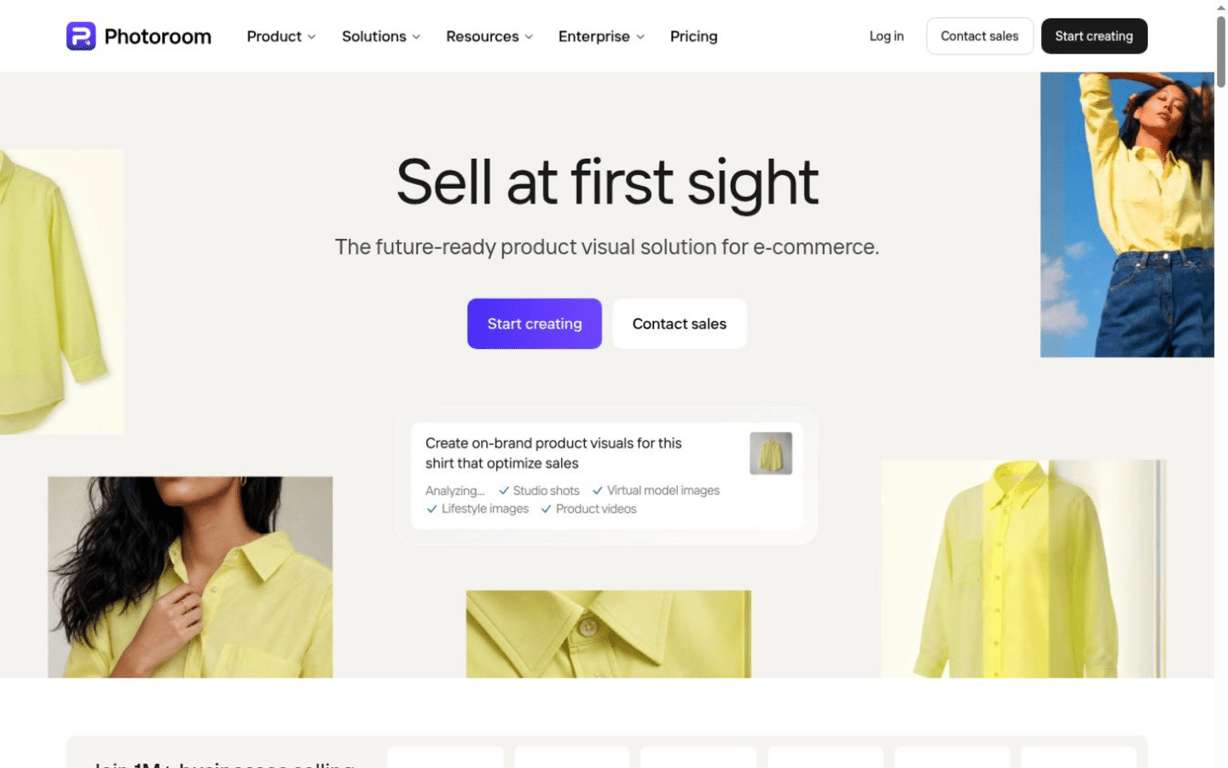
PhotoRoom is also built around e‑commerce. Its background remover works alongside batch editing, AI backgrounds, retouching, and image enhancement.
Pro includes 1,000 exports per month, while Max increases that to 3,000 and adds features such as Shopify integration.
Strengths: Strong batch tools, ecommerce‑focused editing, generous export limits, and useful integrations.
Limitations: Pricing climbs quickly as image volume and AI needs increase.
Pricing: Pro starts at $7.50/month billed annually. Max is $20.99/month, and Ultra is $82.50/month when billed annually.
3. Canva
Best for: Entrepreneurs already using Canva for marketing

⭐App Store rating: 4.8/5
Canva’s biggest advantage is convenience. Once you remove the background, the image can immediately become part of an Instagram post, presentation, flyer, ad, or other branded asset.
Strengths: Huge template library, easy design tools, strong brand features, and a familiar interface.
Limitations: Background removal is a small feature inside a much larger platform, so it may be more software than you need if image editing is your priority.
Pricing: Free plan available. Canva Pro is $180/year for one person on its U.S. pricing page.
4. Adobe Express
Best for: Occasional edits and businesses already using Adobe products
⭐App Store rating: 4.8/5
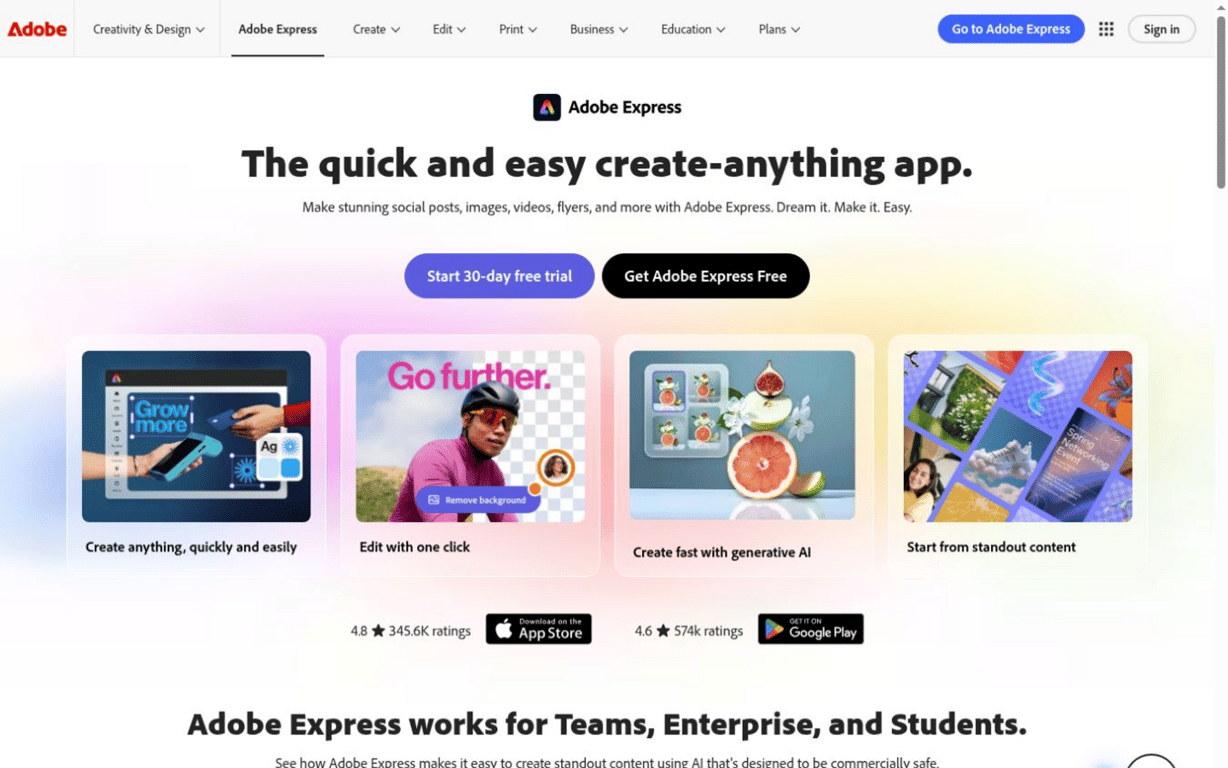
Adobe Express combines straightforward background removal with templates, resizing, Adobe Stock assets, brand tools, and basic photo and video editing tools.
Strengths: Easy interface, useful free tools, strong creative library, and a familiar Adobe ecosystem.
Limitations: Product‑focused businesses may find it less specialized than dedicated e‑commerce tools.
Pricing: Free plan available. Adobe Express Premium costs $9.99/month.
5. Fotor
Best for: General‑purpose photo editing
⭐App Store rating: 4.6/5
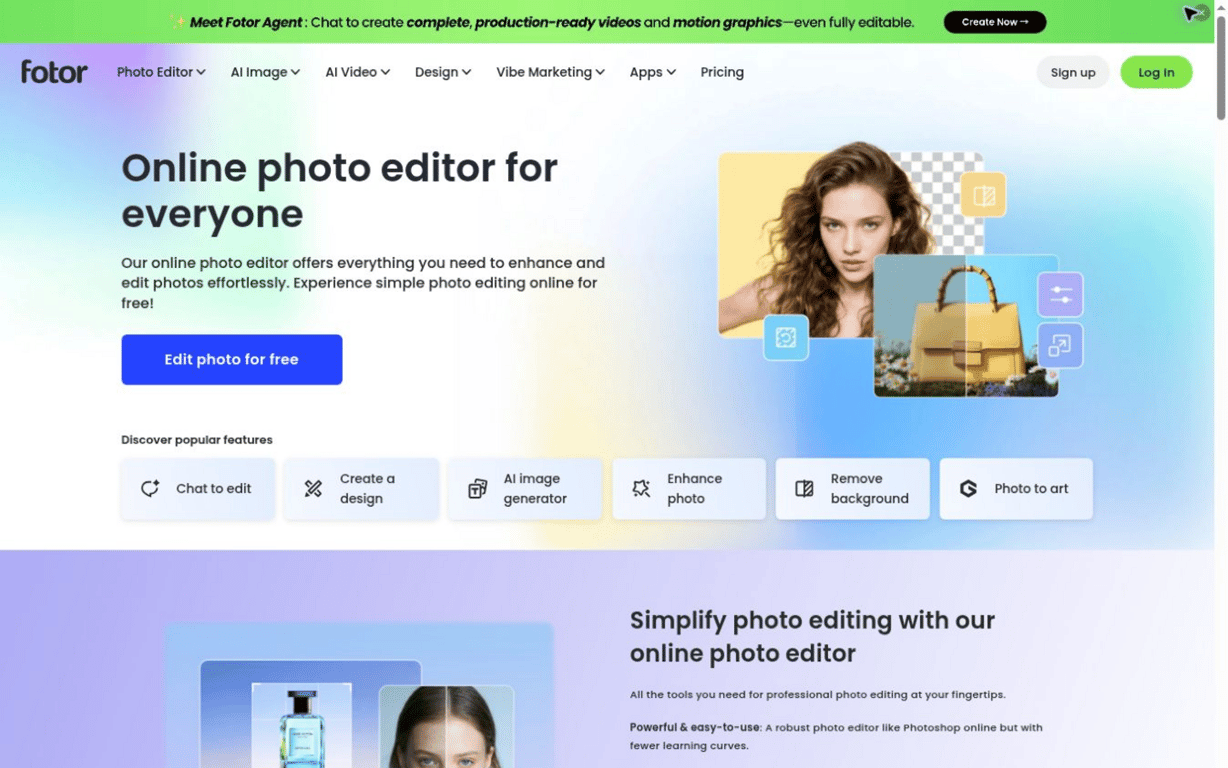
Fotor combines background removal with retouching, enhancement, templates, effects, AI editing, and batch tools.
Strengths: Broad editing toolkit, batch functionality, AI features, and relatively affordable pricing.
Limitations: The interface can feel cluttered if your only goal is to remove backgrounds quickly.
Pricing: Free version available. Fotor Pro is listed at $8.99/month or $47.99/year in the U.S. App Store.
Which Background Remover Should You Choose?
The right background remover depends on how often you edit images and what needs to happen after the background is gone. An occasional user may care only about accuracy and price, whereas an e‑commerce business should also consider batch processing, export limits, resizing, background replacement, and mobile editing.
Here’s the simplest way to narrow down your options:
- Choose Pixelcut if you regularly turn raw product photos into ecommerce listings, ads, and social content. Its combination of background removal, batch editing, upscaling, resizing, and product‑focused AI tools makes it the strongest all‑around choice for entrepreneurs who want to complete more of the process in one place.
- Choose PhotoRoom if you manage a large product catalog and need higher export limits, ecommerce integrations, and tools designed for processing images at scale.
- Choose Canva if your edited images usually become part of a larger branded design, such as a social post, presentation, flyer, or digital advertisement.
- Choose Adobe Express if you need occasional background removal alongside straightforward creative tools, particularly if your business already uses other Adobe products.
- Choose Fotor if you want a reasonably priced, general‑purpose photo editor with background removal, retouching, effects, AI features, and some batch functionality.
Before subscribing, test each tool with a few of your own images. Hair, fur, glass, jewelry, shadows, and low‑contrast edges will reveal far more than the polished examples featured in product demos.
Ultimately, the best background remover is the one that reliably gets you from a raw photo to a finished business asset with the fewest extra steps.